




ComfyPanel Pro
The Ultimate Photoshop ⇄ ComfyUI Bridge 极致的 Photoshop ⇄ ComfyUI 桥梁插件
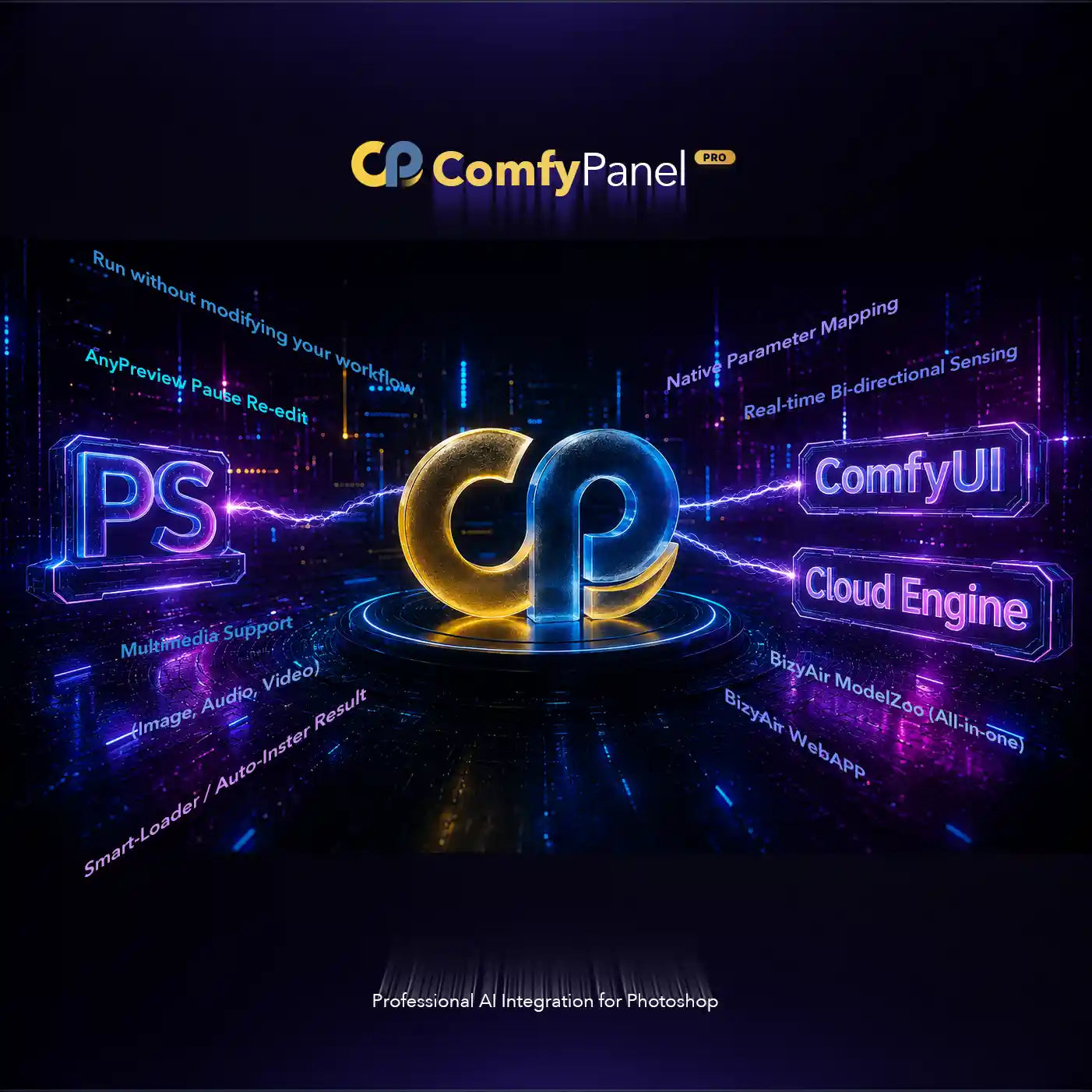
Say goodbye to the tedious cycle of exporting, importing, and switching between screens. ComfyPanel Pro brings the infinite, node-based power of ComfyUI directly inside Adobe Photoshop. Designed for professional concept artists, digital painters, and AI creators, it seamlessly blends the precision of Photoshop's brushes and masks with the revolutionary speed of local and cloud AI engines. 告别繁琐的导出、导入以及在不同屏幕间频繁切换的痛苦。ComfyPanel Pro 将 ComfyUI 无穷 of 节点式创作能量直接引入 Adobe Photoshop。专为专业概念艺术家、数码插画家及 AI 创作者设计,它将 Photoshop 笔刷与蒙版的精准控制,与本地/云端 AI 渲染引擎的革新速度完美融合。
Why Upgrade to ComfyPanel Pro? 为什么升级到 ComfyPanel Pro?
⚡ AnyPreviewPause Workflow (Interactive Re-edit) ⚡ AnyPreviewPause 交互式二次编辑工作流
Complete control over your generations. Pause the AI rendering stream midway, instantly paint on a new mask or edit text using native Photoshop tools, and hit resume. Perfect for iterative refining and surgical adjustments. 获得对生成的绝对控制。在 AI 渲染中途暂停,立即使用 Photoshop 原生工具绘制新蒙版或编辑文本,然后点击继续。非常适合渐进式细化和像素级微调。
🚀 Extreme Performance: Draft Mode & Smart Layouts 🚀 极致性能:草稿模式与智能布局
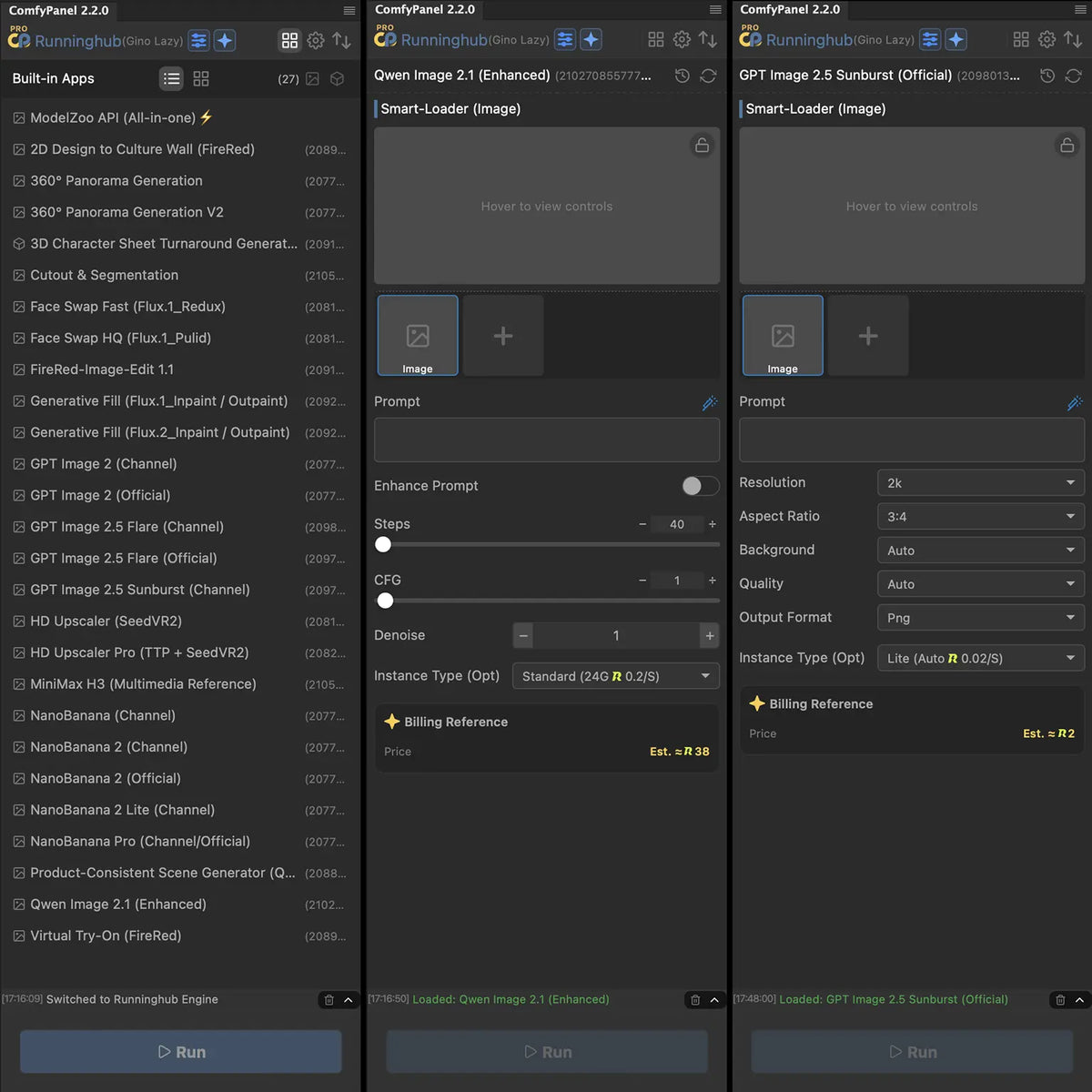
Enable Draft Mode for blazingly fast preview iterations. Combine it with Smart-Loader and Smart-Previewer to automatically consolidate and clean up node paths, turning your workspace into a sleek, clean, and organized capsule UI. 开启“草稿模式”以实现极速的预览迭代。结合“智能加载器”与“智能预览器”自动合并与清理节点路径,将您的杂乱画布转化为优雅、整洁、高度聚合的胶囊导航 UI。
🎥 Native Video, Audio, and Multimodal Support 🎥 原生视频、音频及多模态支持
Break free from static images. Fully unlock LoadVideo, LoadAudio, and complex media-oriented nodes. Play, sync, and export high-fidelity audio/video compositions directly to and from your active document. 摆脱静态图片的束缚。全面解锁 LoadVideo、LoadAudio 及复杂的媒体节点。在 Photoshop 当前文档中直接播放、同步并导出高保真音视频创作。
💎 Unlimited Canvas Resolution & History 💎 无限制画布分辨率与历史记录
Bypass the 2000px canvas size limit. Render and export absolute ultra-high definition assets without compression. Keep an endless, persistent history log of your generations so you never lose a creative direction. 突破免费版 2000px 的画布尺寸限制。渲染并导出无损超高清原始图像。保存无限且持久的生成历史记录,让您永远不会丢失任何创作灵感。
⚡ Ultra-Fast WebP Upload & Flexible Formats ⚡ WebP 极速上传与格式自由选
Bypass bulky transfers. Non-Pro defaults to PNG, while Pro unlocks high-performance WebP uploads that drastically cut file size and transfer time, supercharging remote server connections and cloud rendering workflows. 告别臃肿缓慢的图片传输。非 Pro 默认使用标准 PNG;Pro 会员全面解锁 WebP 极速格式上传,大幅减小上传文件体积并缩短网络传输耗时,全面加速远程连接与云端渲染流程。
👁️ Multimodal Vision Context & Mask Perception 👁️ 多模态参考图与选区视觉感知增强
Supercharge prompt expansions with true visual intelligence. ComfyPanel automatically extracts active reference image thumbnails and composites inpainting selection masks as semi-transparent red quick masks. Vision models accurately see target areas and surrounding contexts for pixel-perfect expansions. 赋能提示词拓展真正的多模态视觉感知。一键增强时自动提取活跃参考图缩略图,并将重绘选区实时合成类似 Photoshop 的半透明红色快速蒙版,让视觉大模型精准识别目标与光影上下文,实现像素级精准扩写。
Free vs. Pro at a Glance 免费版 vs 专业版一览
| Feature 功能点 | Free Plan 免费版 | Pro Plan 专业版 |
|---|---|---|
| AnyPreviewPause AnyPreviewPause 交互 | ✕ (Static Only) ✕ (仅限静态) | ✓ (Interactive Re-edit) ✓ (交互式二次编辑) |
| Media Support 媒体格式支持 | Images Only 仅限图像 | ✓ Full Video & Audio ✓ 完整视频与音频 |
| Output Resolution 画布输出分辨率 | Up to 2K limit 最高 2K 限制 | ✓ Unlimited HD size ✓ 无限制超清尺寸 |
| Upload Image Format 上传图片格式 | PNG (Standard) PNG (标准) | ✓ PNG / WebP (Fast) ✓ PNG / WebP (极速) |
| Layout Mode 面板布局模式 | Standard Tiled 标准平铺 | ✓ Smart Capsule Layout ✓ 智能胶囊布局 |
| Vision Context & Mask 多模态参考图与选区感知 | Text-only 仅纯文本扩写 | ✓ Multimodal Vision & Quick Mask ✓ 多模态看图与选区高亮感知 |
System & Installation Requirements: 系统与安装要求:
- Adobe Photoshop 2025 (v26.0) or newer (Supports Windows & macOS). Adobe Photoshop 2025 (v26.0) 或更高版本(支持 Windows 与 macOS)。
- ComfyUI: Version ≥ 0.2.0 (required for real-time bi-directional synchronization bridge). ComfyUI 端:推荐版本 ≥ 0.2.0(完整支持双向实时同步桥接)。
- A local ComfyUI environment or active access credentials to a Cloud ComfyUI provider (BizyAir, RunningHub, NanoBanana, etc.). 本地运行的 ComfyUI 环境,或已获取第三方云端 ComfyUI 提供商(BizyAir、NanoBanana 等)的 API 凭证。
- Instant activation: No license keys needed. Once purchased, simply log in to your account inside the Photoshop plugin panel settings using your purchase email to instantly unlock all Pro privileges. 即时激活:无需授权卡密。购买后只需在 Photoshop 插件设置面板中登录您购买时使用的邮箱账号,即可立即解锁全量 Pro 特权。
🔒 100% Secure Checkout | Encryption Protected | Non-Intrusive Privacy Bridge (We never upload or log your local workflow files or creative assets). 🔒 100% 安全结账 | 传输加密保护 | 非入侵式隐私桥梁(我们绝不且无法上传或留存您的本地工作流源文件与图像资产)。